The security deposit's management on Stays is done from the Reservation's Page, where it is possible to register the amounts of receipts and refunds, and here you are able to check out more about this material.
What you find in this article
- Defining the security deposit's amount
- Managing security deposits1 receipts and refunds
- Relation of the deposit with the rest of the reservation amounts
Defining the security deposit's amount
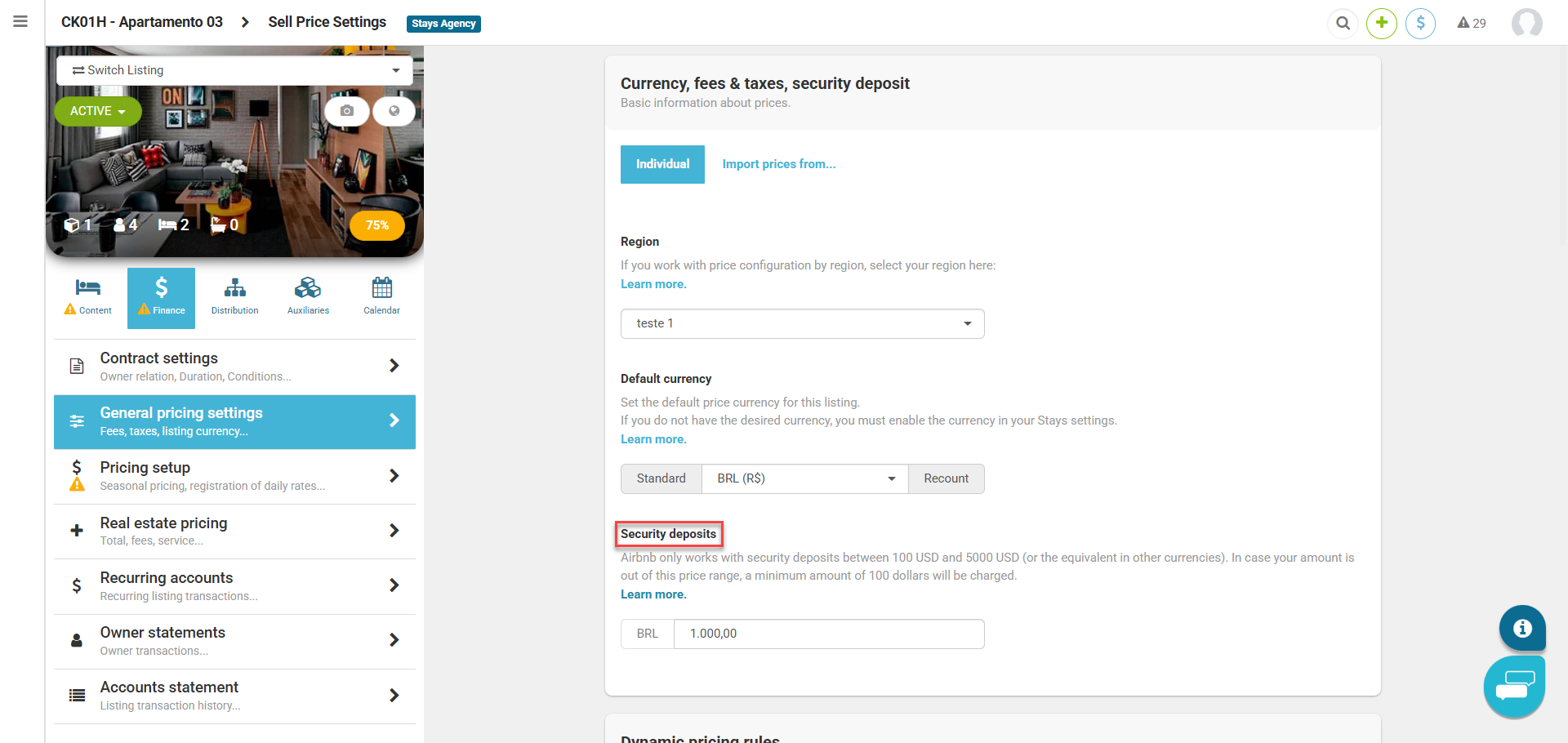
The adjustment is made from the listing's page [Finance > General pricing settings].
It is necessary to register the amount in each listing, whereas on parents' listings in relation to rate groups, the child's listings will already receive the settings.
Managing security deposit receipts and refunds
After performing this basic action, your reservations will have the deposit charge integrated and you will be able to control the receipt of the amount by accessing the reservation page [Security deposits > + transaction], fill out the information requested on the screen and save the changes.

Relation of the deposit with the rest of the reservation amounts
All the deposit routine is handled independently of the other reservation amounts, usually on the left side of your reservations control panel.
The same occurs in thereservation process on the website, where there is only one presentation that the amount will be charged and refunded at check-out.