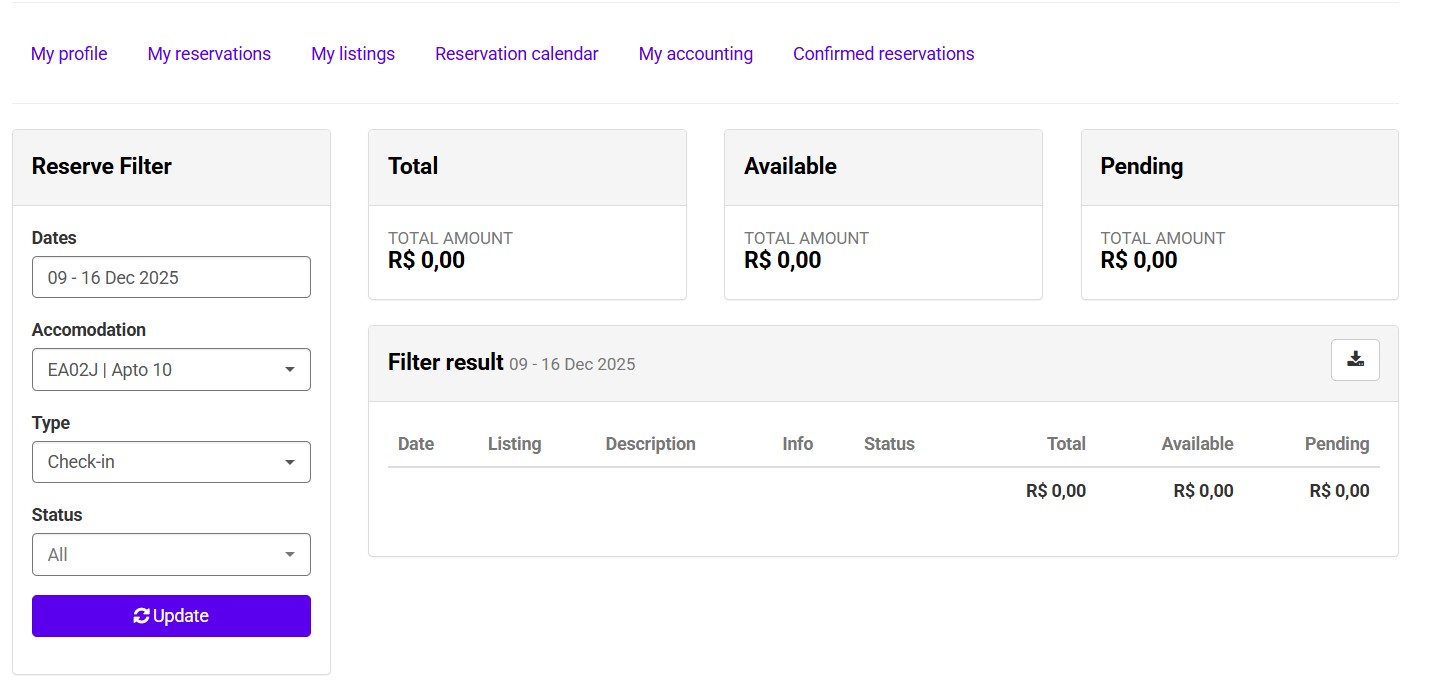
The Owner Extranet was designed to make managing your units easier and to give you greater autonomy when tracking reservations, finances and property information. In this guide, you’ll find clear instructions, an overview of the main areas and helpful tips to navigate the platform safely and with confidence.
Logging in
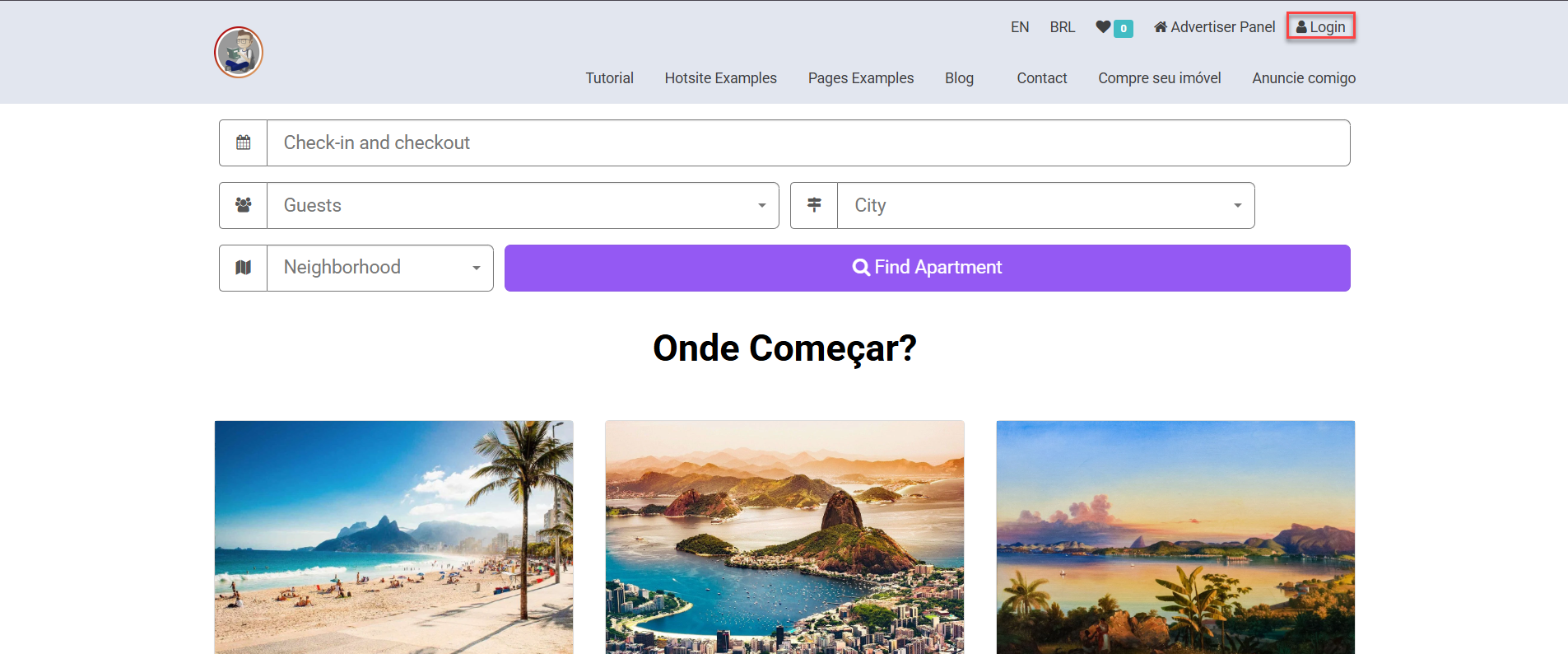
- Access your extranet and click on [Login] in the upper right corner.
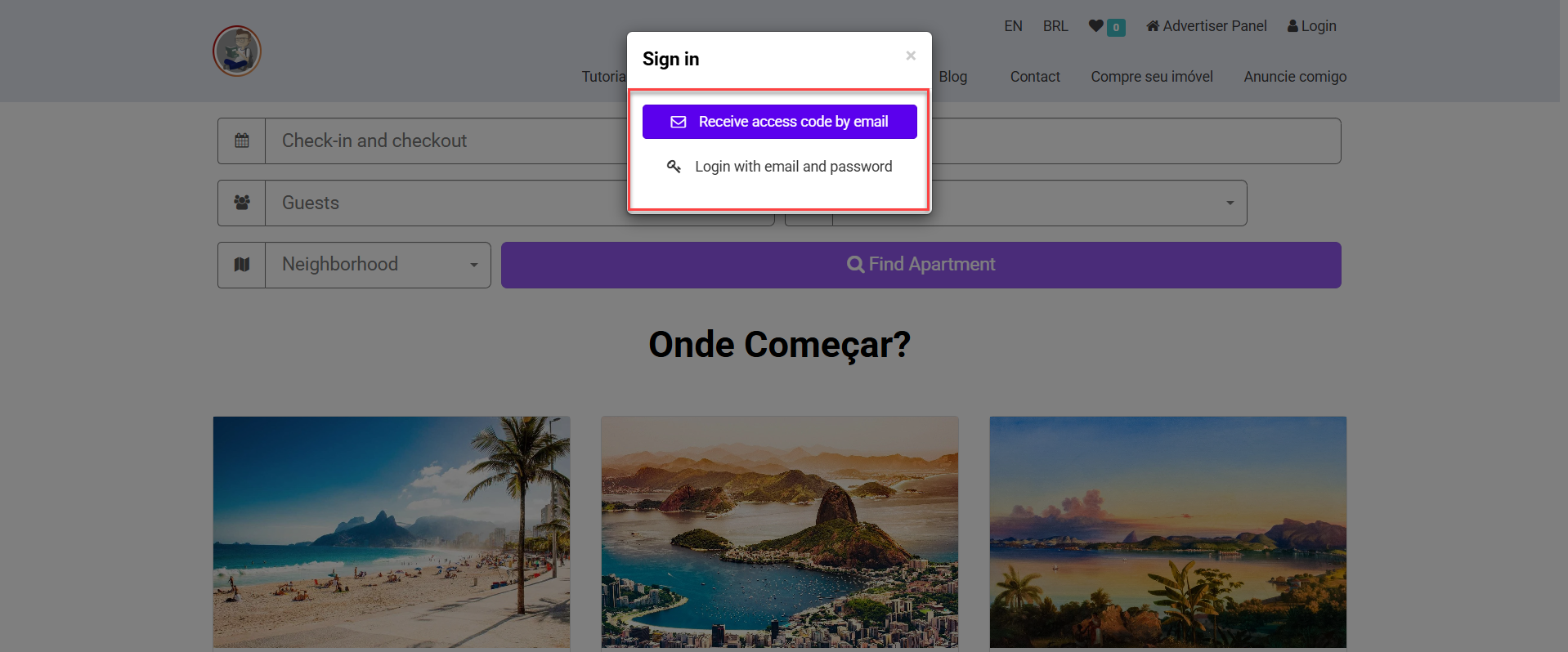
- Choose one of the options to log in: [Receive access code by email] or [Login with email and password];
Owner Panel Navigation
- After logging in, go to tab [Login];
- Choose any option from the list to access the owner area;

Description of Available Areas
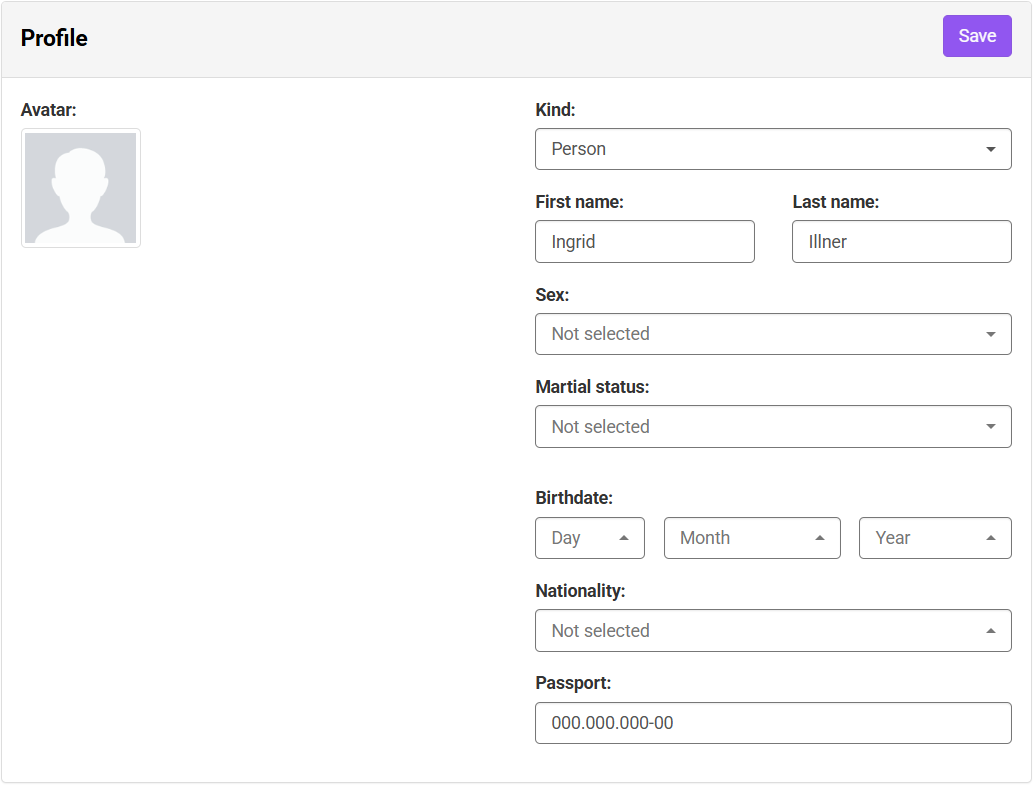
- My profile: displays the owner’s registered details, such as personal information, contact details and banking information when applicable.
- My reservations: shows the reservations made by the owner for personal use of the unit.
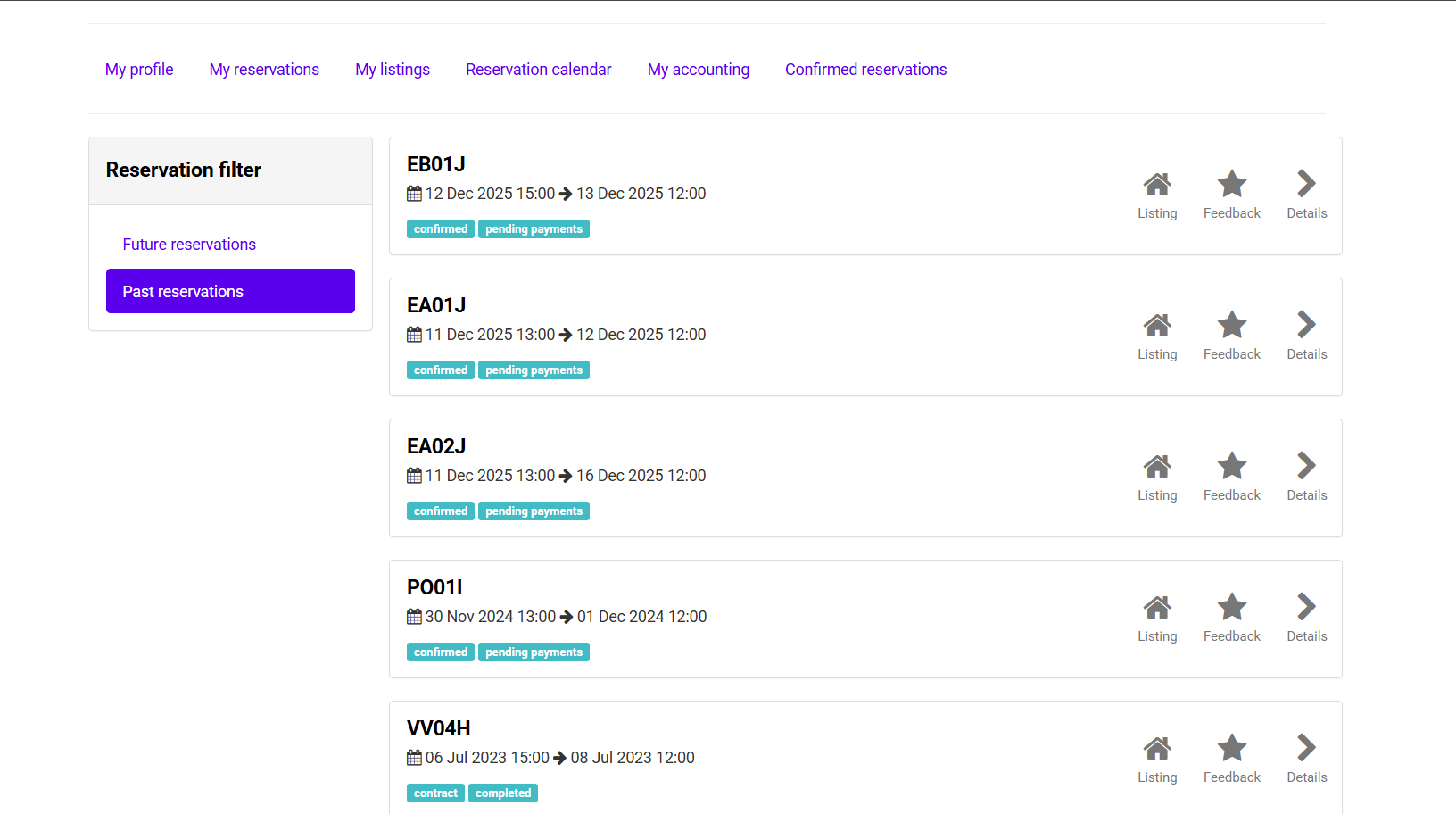
- My listings: lists all units registered in the system, with details such as address, features and the status of each property. It provides an overview of your properties within the platform.
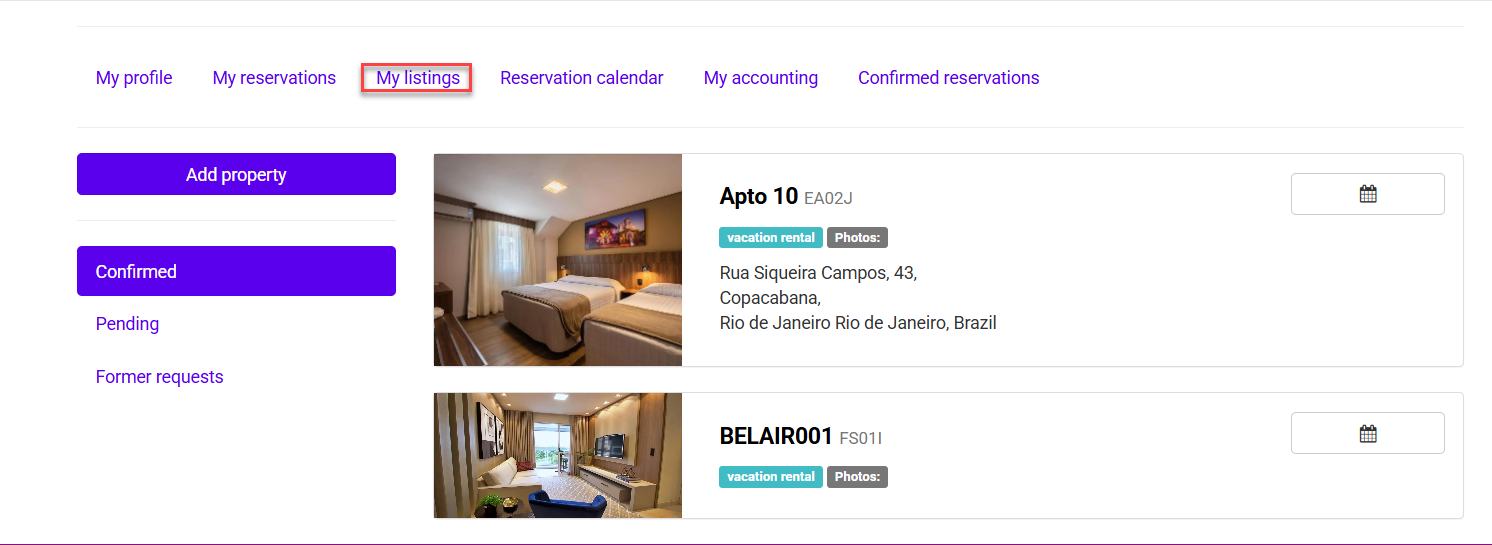
- Reservation calendar: displays the unit’s full calendar, including blocked periods, confirmed and upcoming reservations and overall occupancy. This view helps you plan availability and understand occupancy throughout the month.
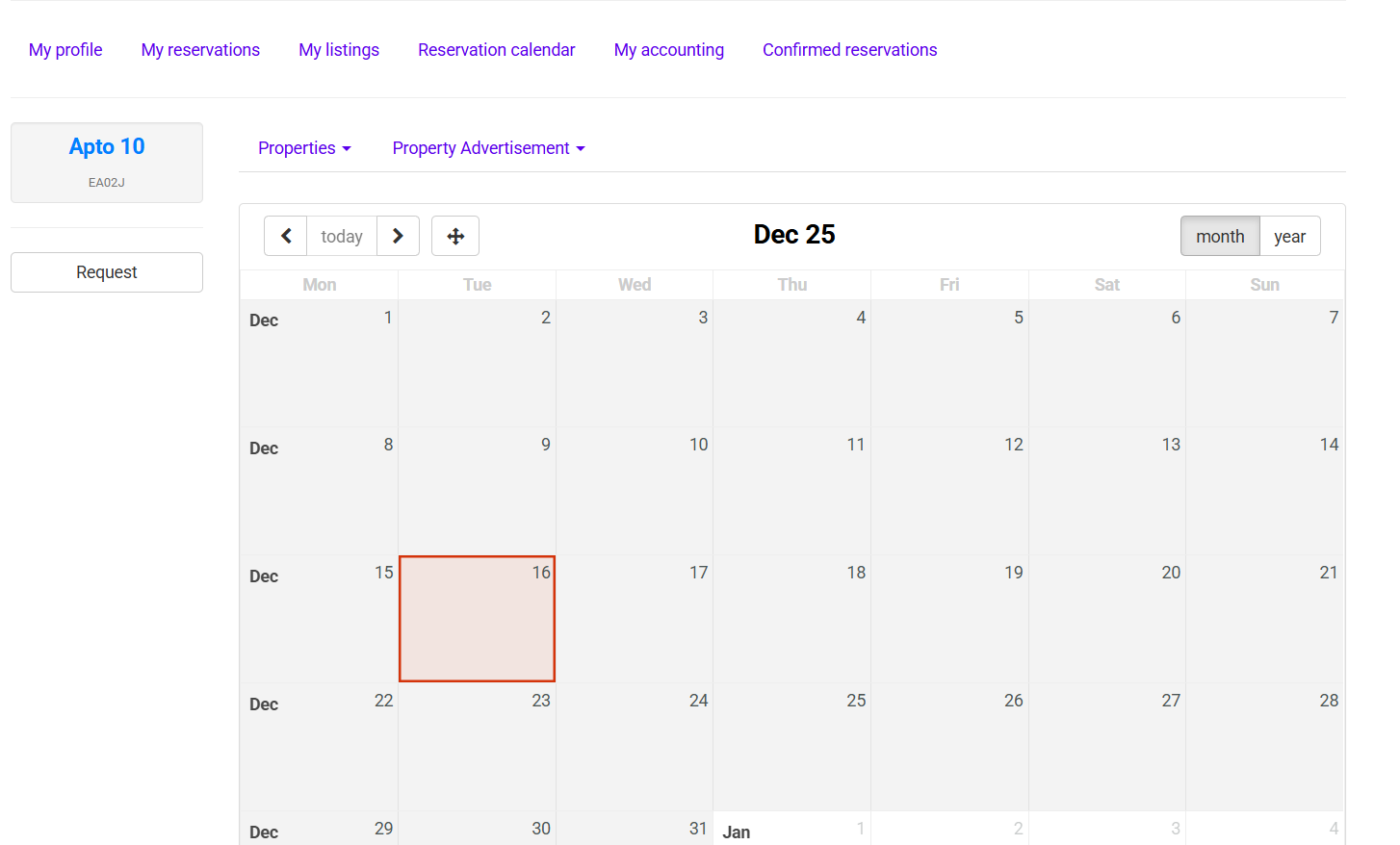
- My accounting: displays your financial transactions related to rentals. Here you can view credits, debits and payout statements—making it easy to track your earnings and activity in one place.
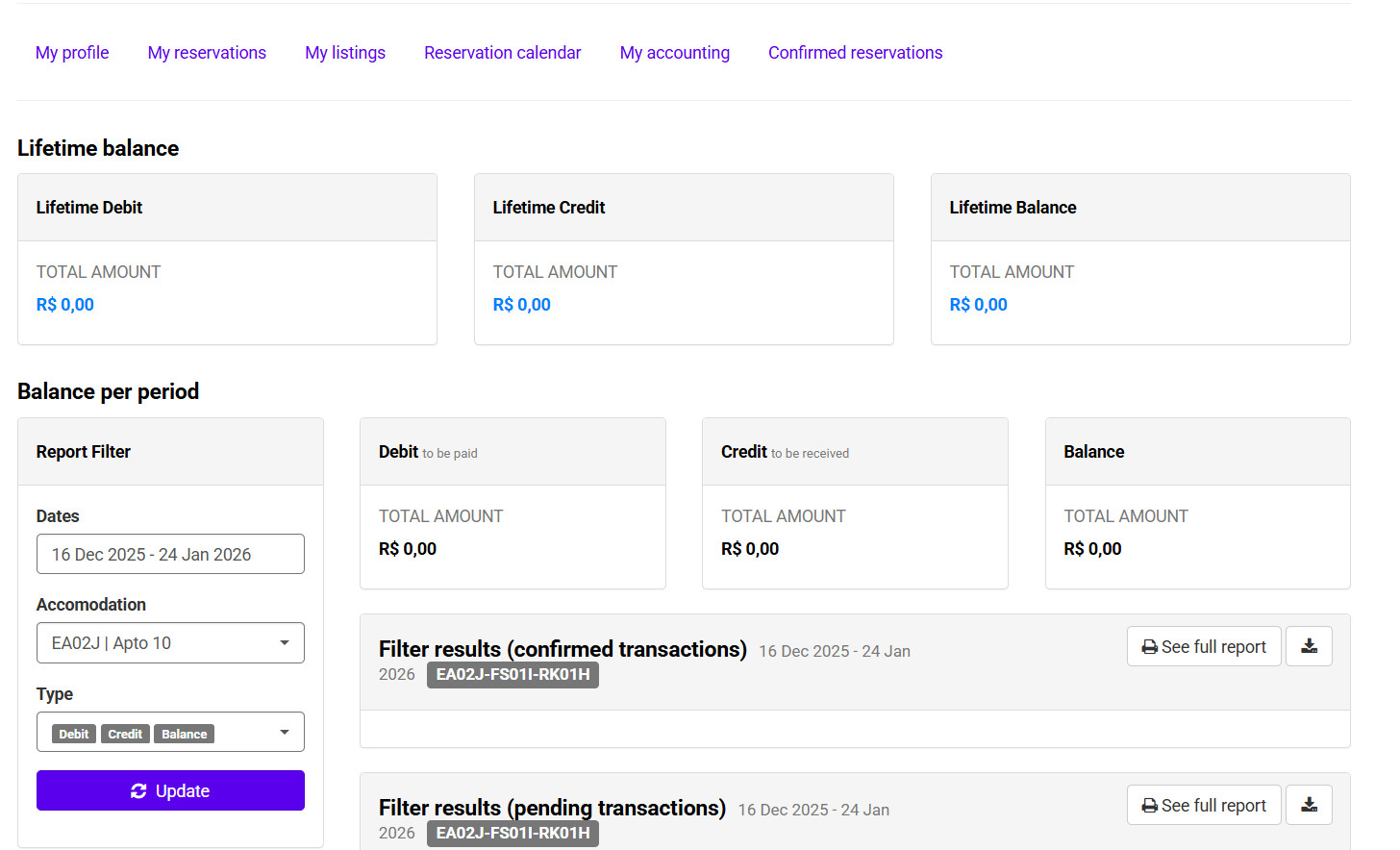
- Confirmed reservations: shows the history of stays with completed checkouts. This area lets you review finalized reservations and keep a record of past occupancy.